Flat lay to on-model
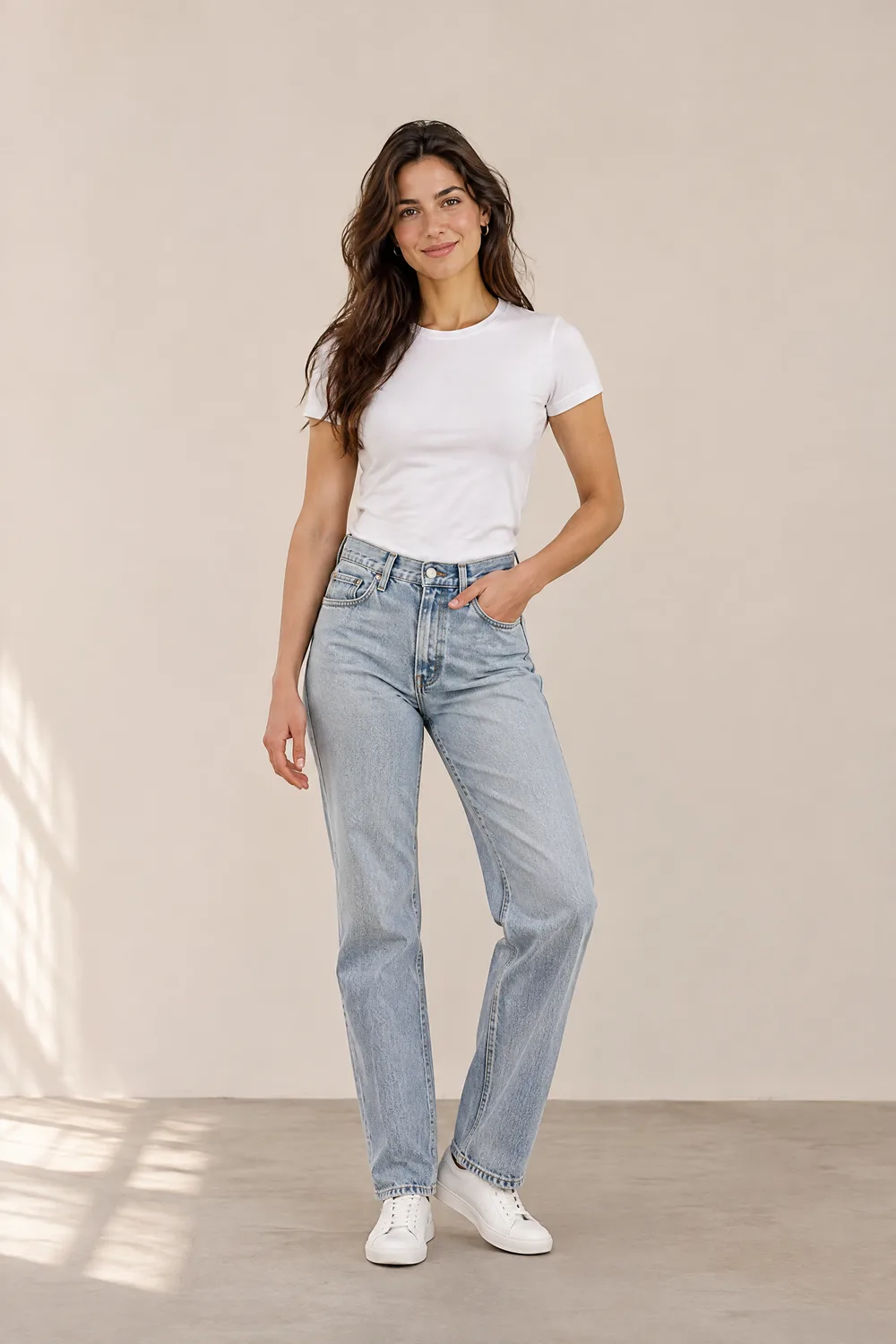
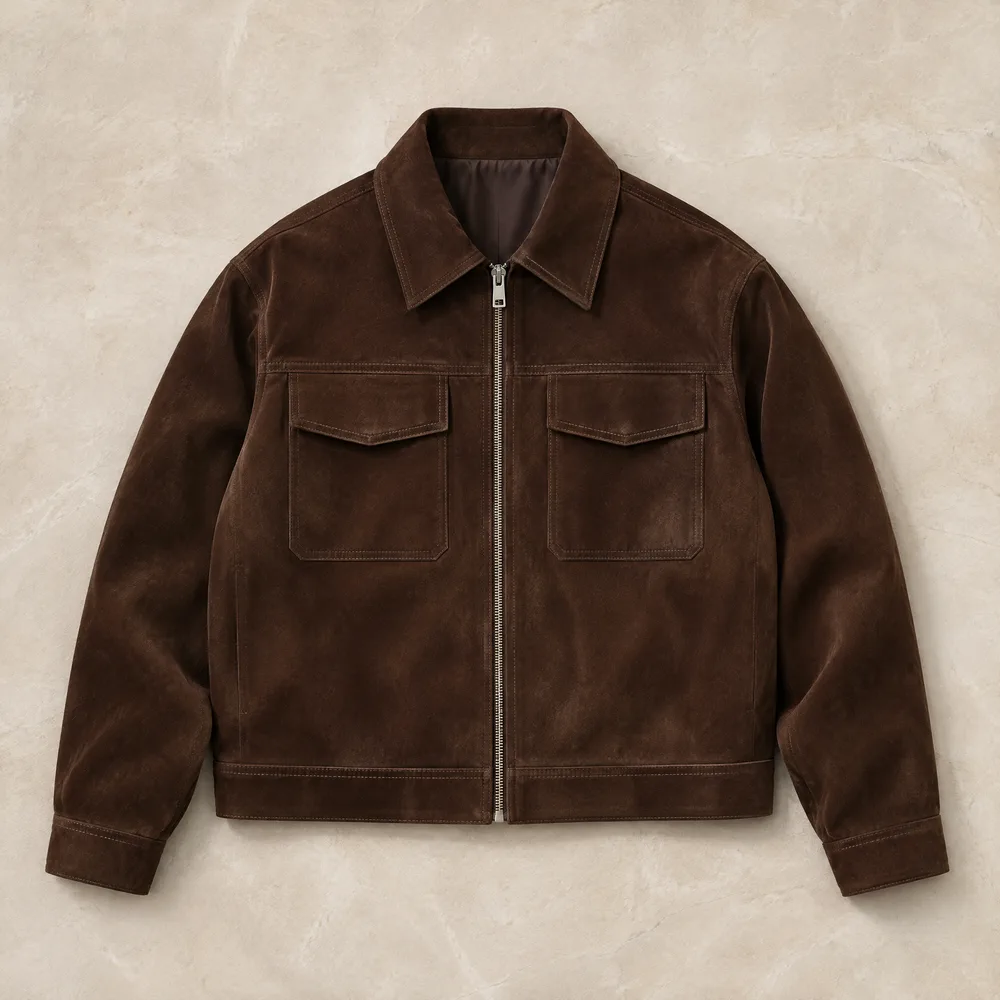
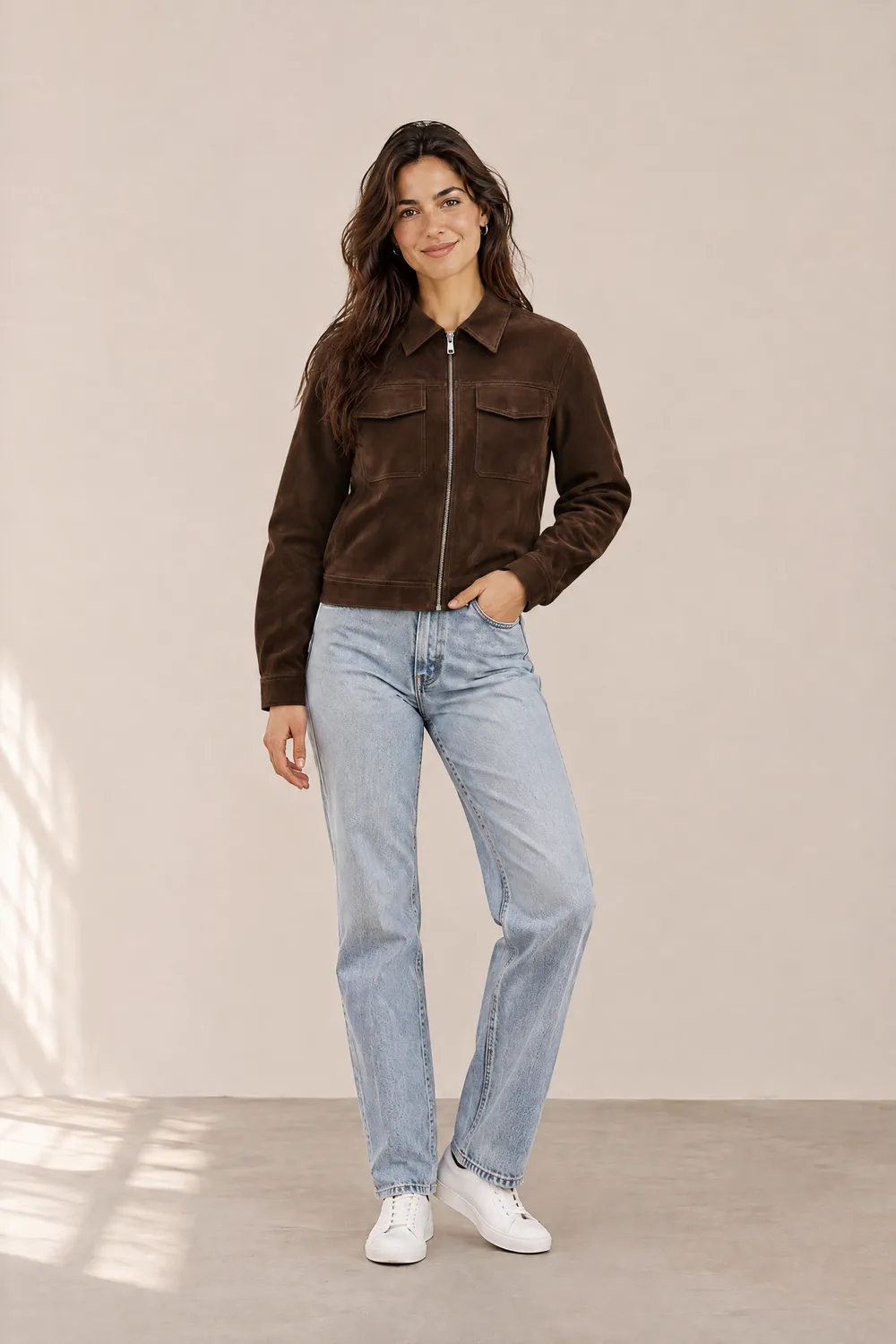
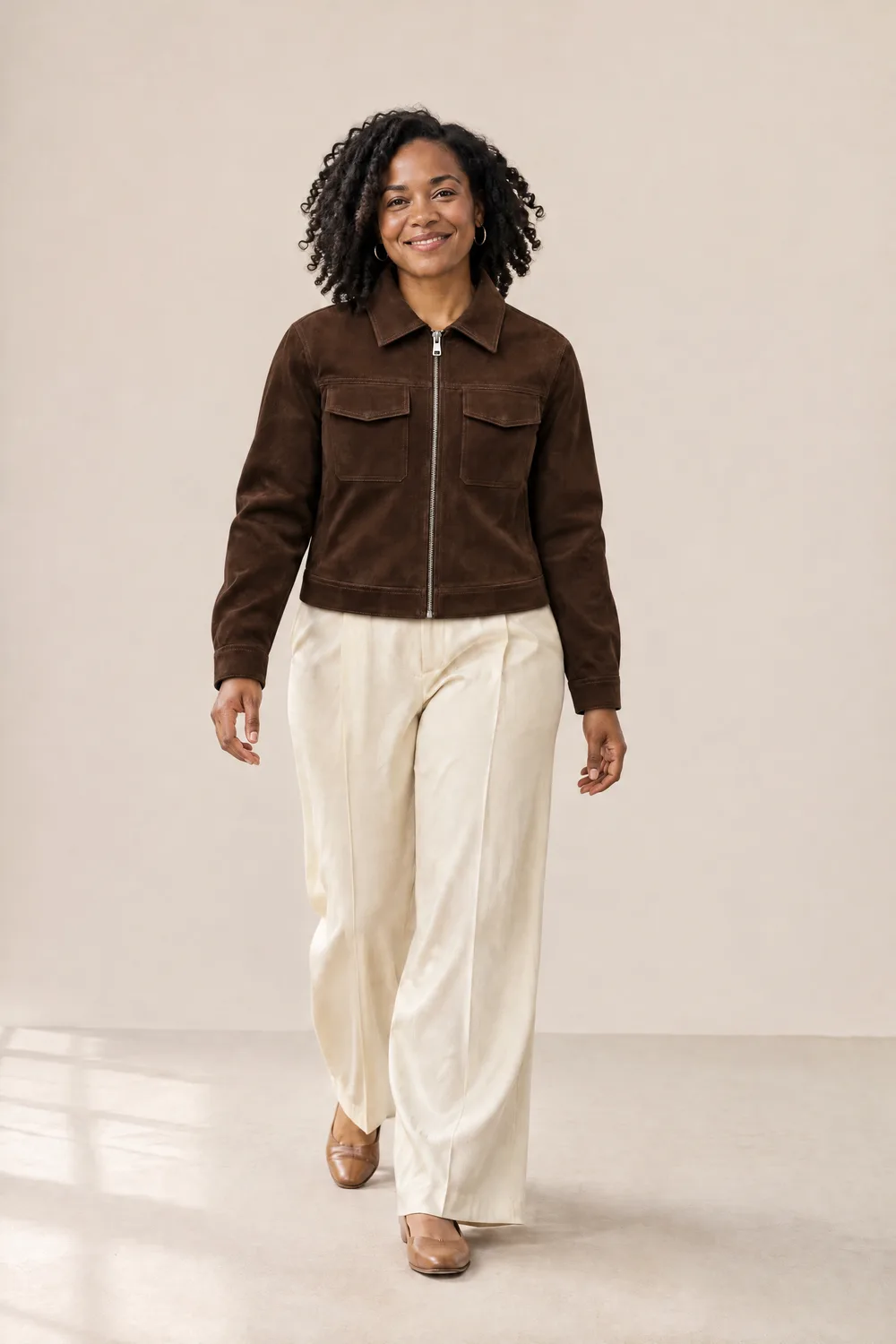
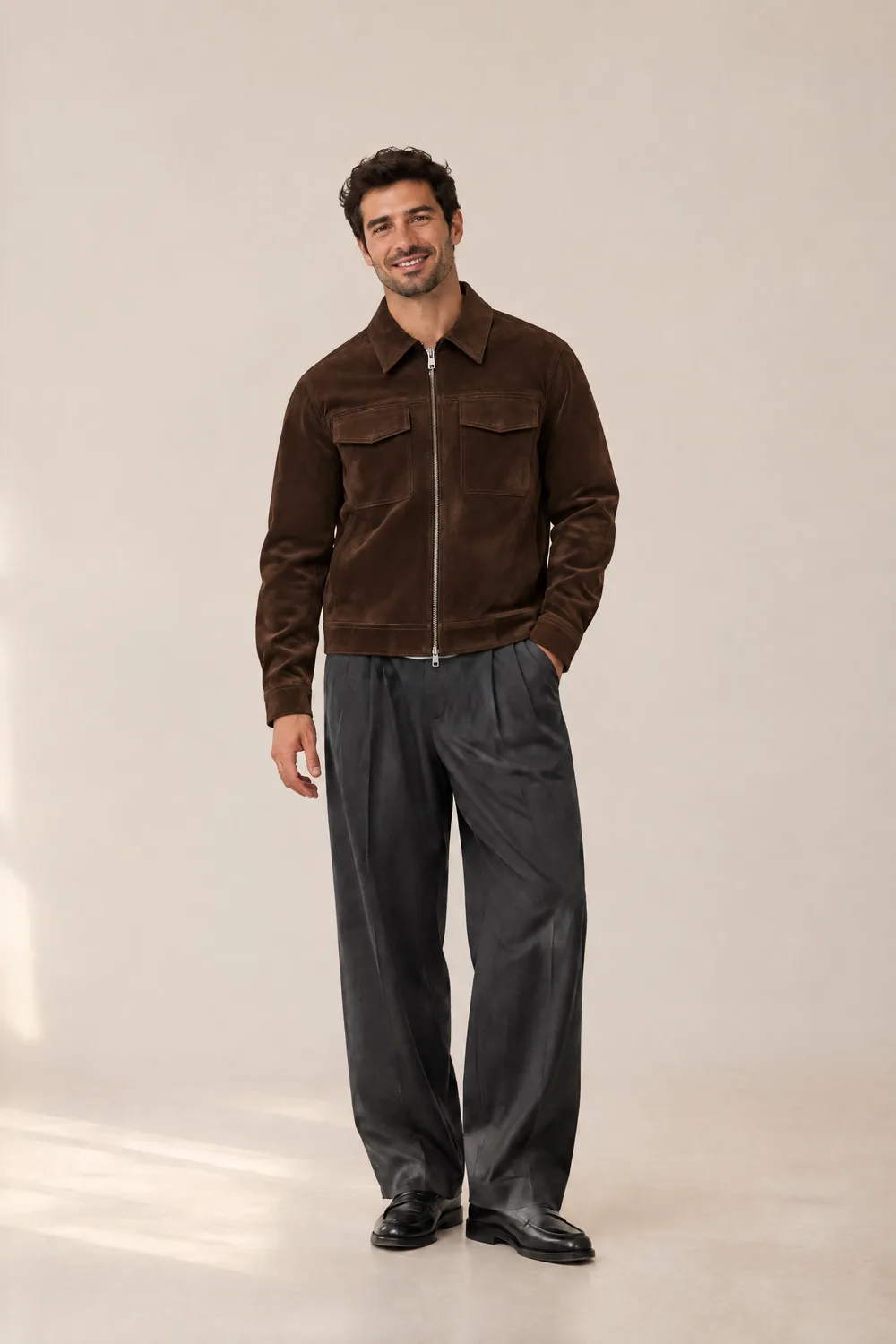
A suede jacket photographed flat, placed on a model with the zipper, chest pockets and suede texture carried over.
Upload a product photo and a model photo. Get an on-model image for your store without a photoshoot.
1 Model photo
2 Clothing
Takes about a minute. One image per run. Sign in to generate and download.
BeforeAfterOur AI clothes changer lets you change clothes in a photo without a photoshoot. Upload a model photo and a picture of your garment, and get an on-model image you can use on your product page, in social posts or in ads. No studio, no model booking, no editing skills.
Three unedited results. Each one was made from the model photo and product photo shown next to it.
A suede jacket photographed flat, placed on a model with the zipper, chest pockets and suede texture carried over.
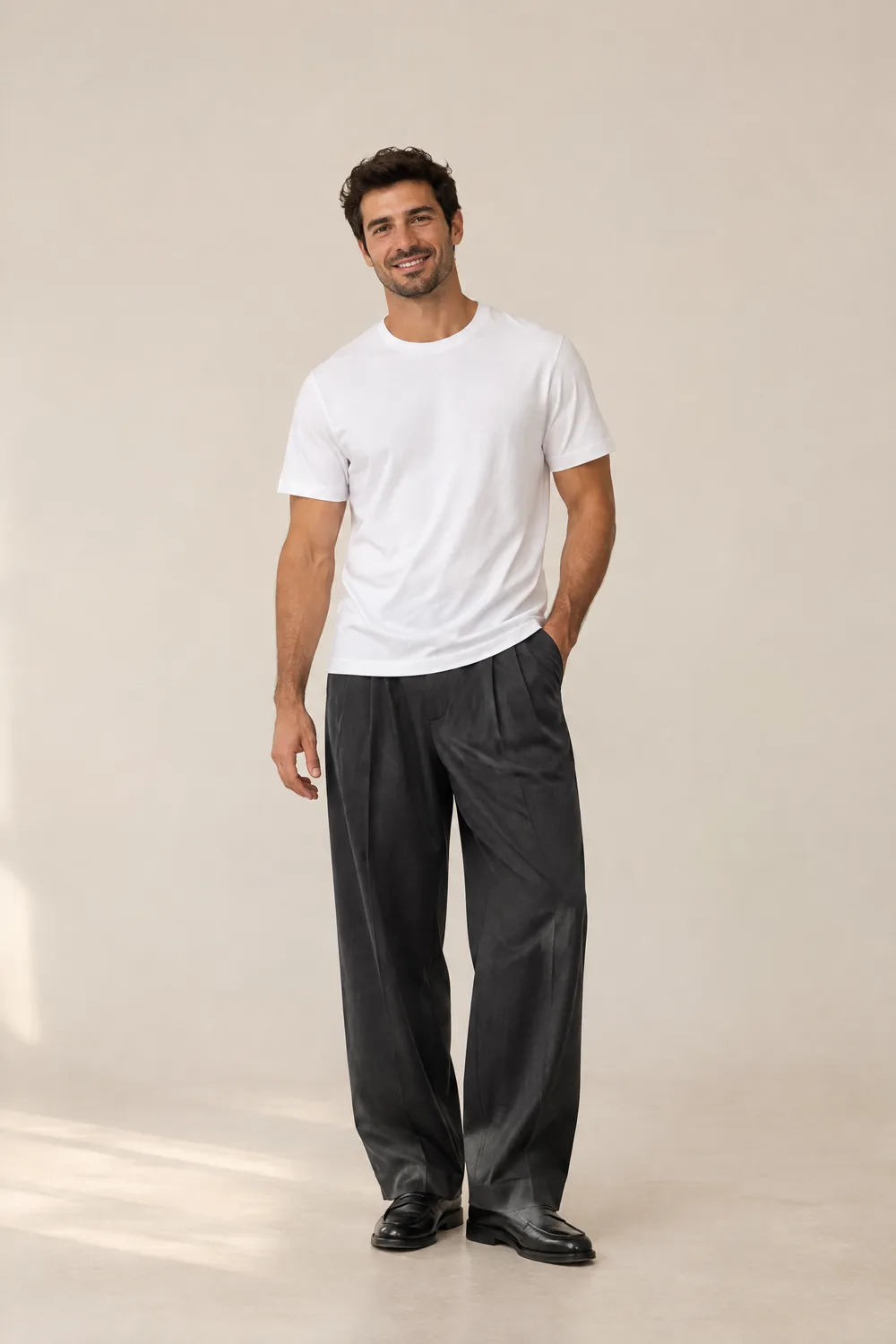
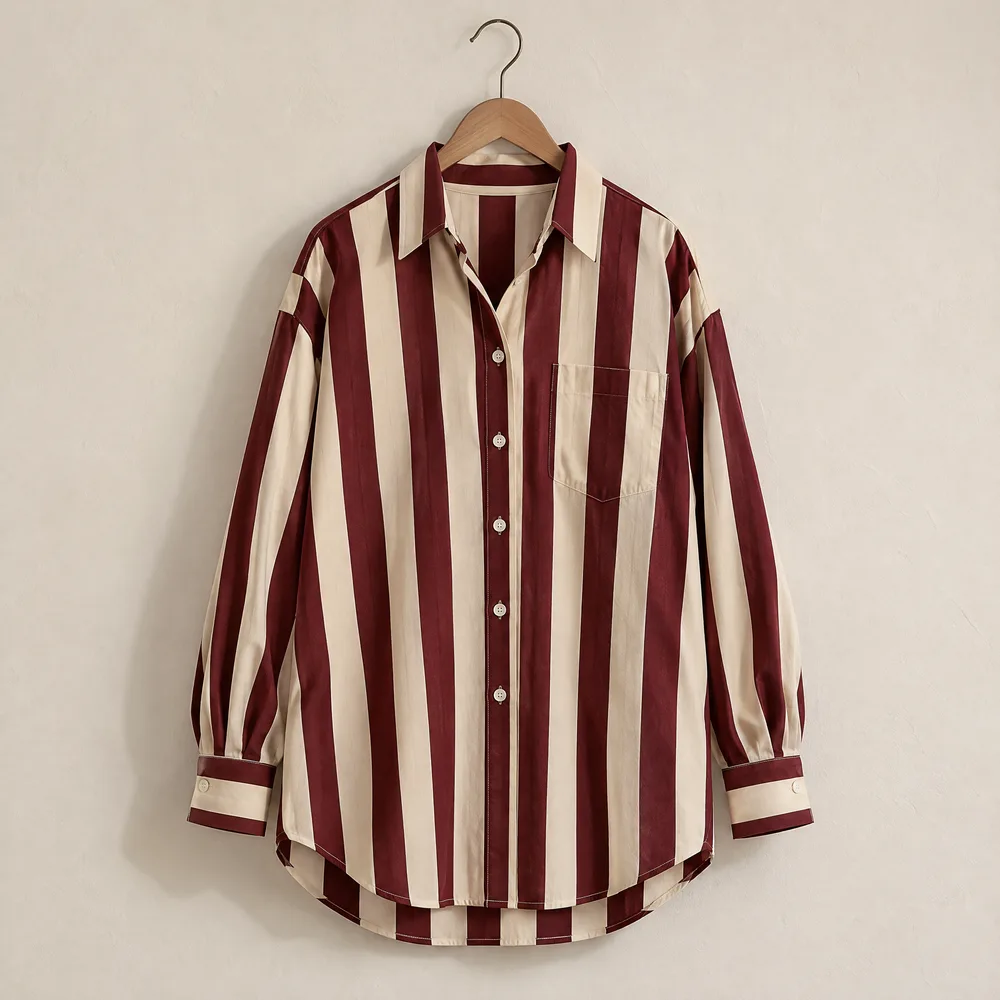
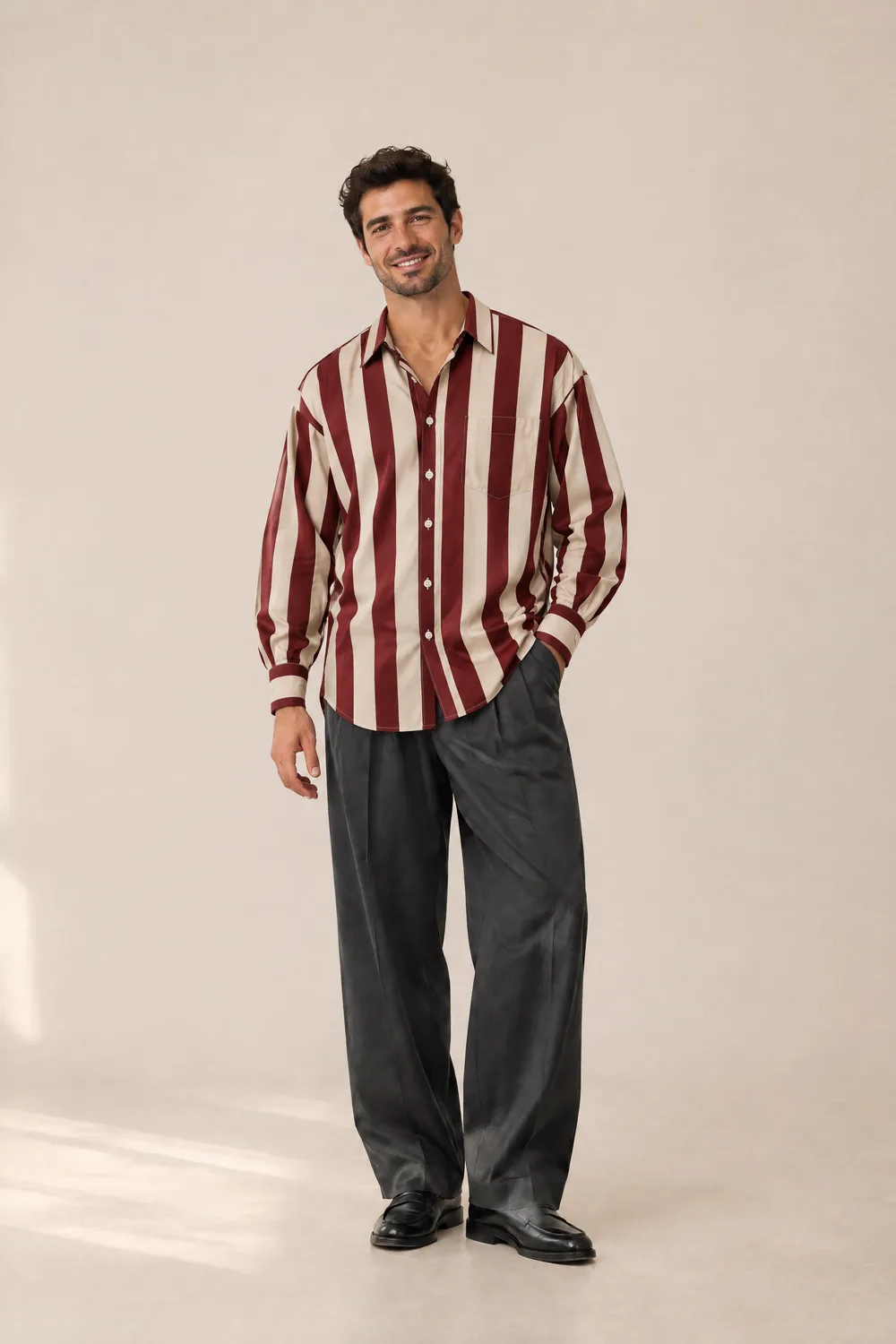
A wide-stripe shirt on a hanger. The stripes keep their width and color, the oversized fit drapes naturally, and the model keeps his own trousers and shoes.
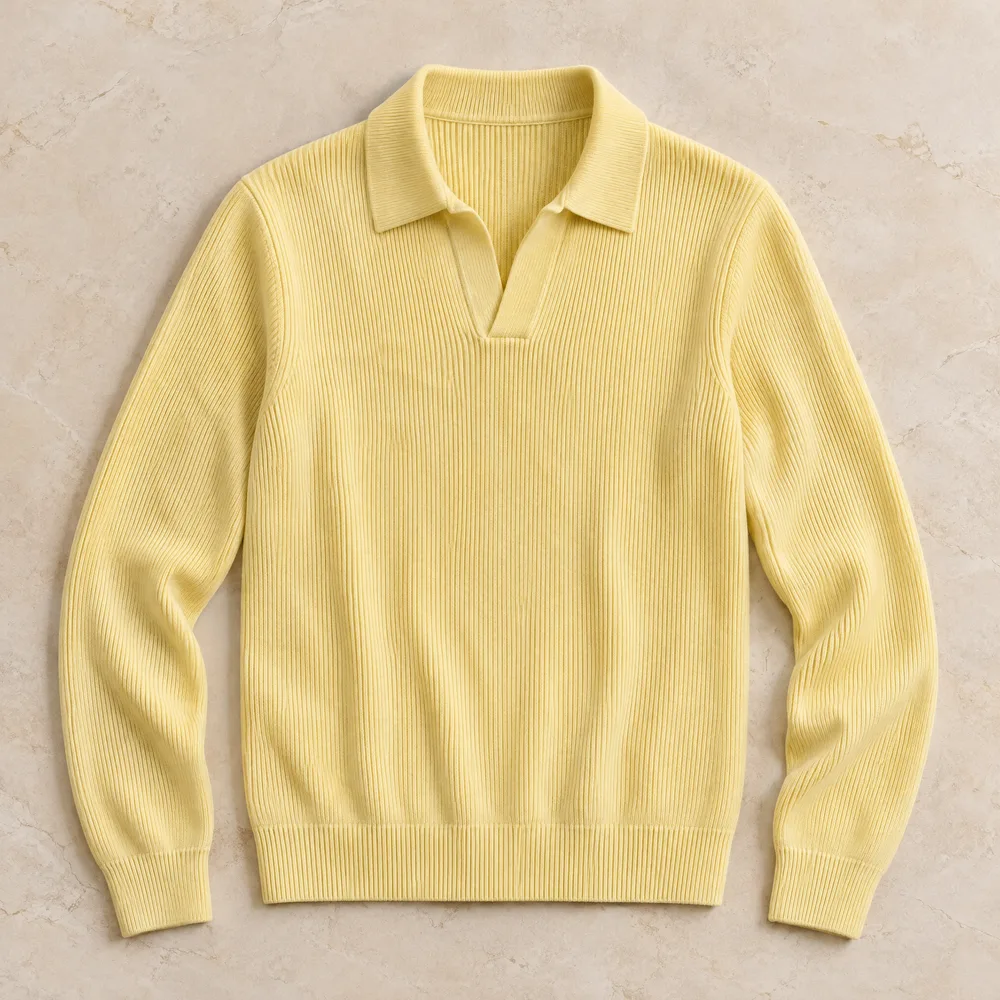
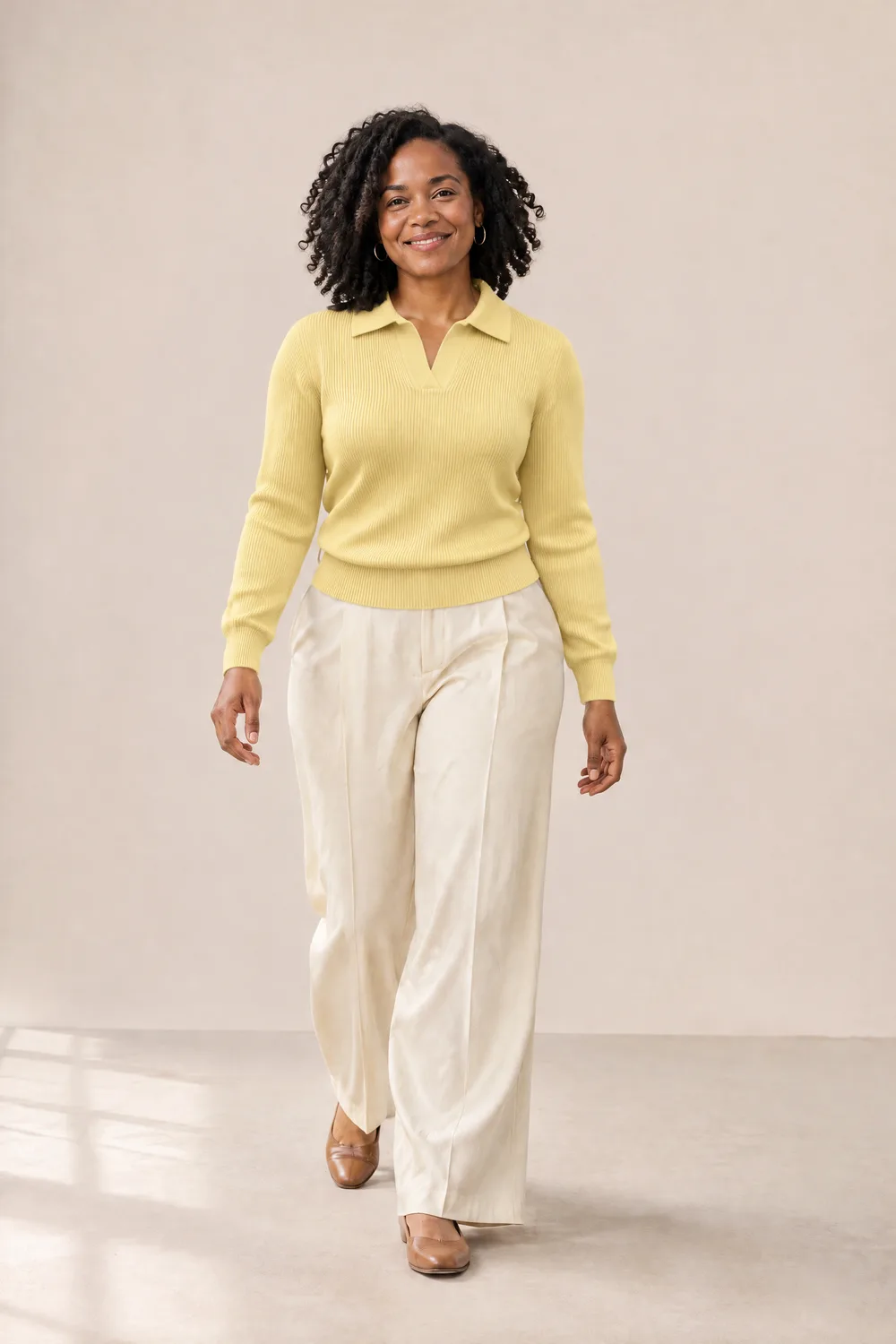
Knitwear is a hard case for AI. The rib texture, open collar and butter yellow color follow the product photo.
An AI clothes changer is an online tool that replaces the clothing in a photo while keeping the person, pose and background. A clothes changer AI reads two things: the photo of the person, and either a photo of the garment or a written description of the outfit.
For a clothing seller, that means one model photo can show every piece in the catalog. You photograph the garment once, flat or on a hanger, and the AI produces the on-model image shoppers expect to see.
Three steps to change clothes with AI, from product photo to finished image.
Use a photo of yourself, a model you work with, or one of our sample models. A half-body or full-body shot with even lighting works best. Only upload photos of adults who have agreed to it.
Upload the garment photo you already have: a flat lay, a hanger shot or an on-model picture. You don't need a studio image. In our tests a wrinkled t-shirt photographed on grass still worked.
Click Generate and wait about a minute. Compare the before and after with the slider, then download the image. The result keeps the same framing and proportions as your model photo.
A shoot means booking a model, a photographer and a space, then waiting for edits. That cost repeats every time you add a product, and small catalogs often skip on-model photos because of it.
With the AI clothes changer you work from the product photos you already take. Add a new piece in the morning and have its on-model image the same day. Each run takes about a minute and creates one image, so you can check every result before it goes on a listing.
Try it with your product photo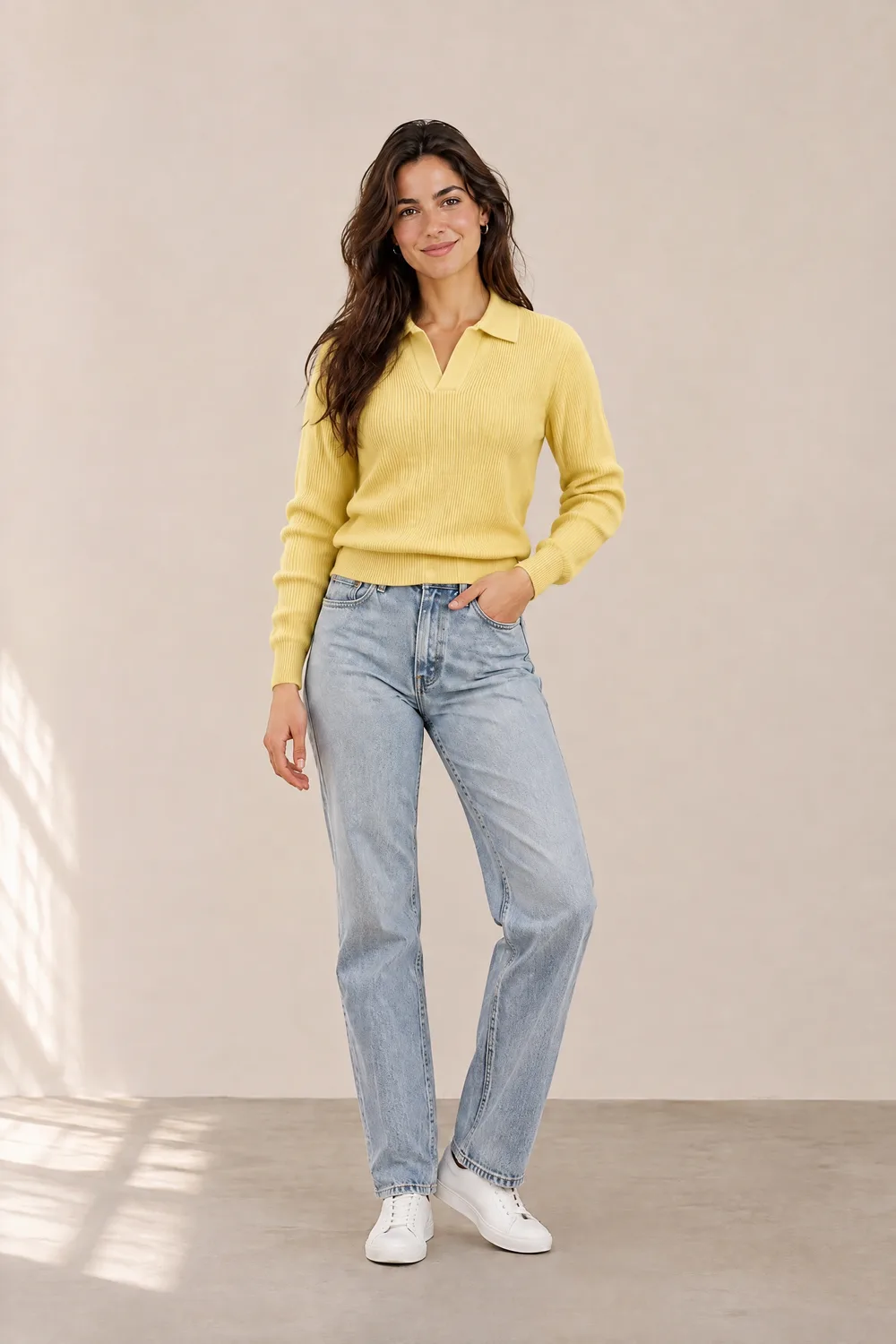
Shoppers buy what they see, so the garment in the image has to match the one you ship. This is what we found when we tested logo tees, prints and knits, including where the AI falls short.
Main logos and large text
Stay readable
Chest logos and headline text matched the product photo in our tests.
Small text
Can slip
A small tagline was misspelled in one of two tests, when the model was far from the camera.
Dense line patterns
Close, not identical
Layout, colors and style are kept. Individual fine lines are redrawn.
Garment shape and color
Kept
Sleeve length, neckline, puff sleeves and tiered skirts followed the product photo.
For the most accurate prints, use a half-body or closer model photo so the garment fills more of the frame, and compare the result with the real product before you publish.
Use it as an AI outfit changer for jackets, knitwear and shirts, or as an AI dress changer for dresses and skirts. Upload a top and only the top changes: the model keeps their own trousers and shoes.
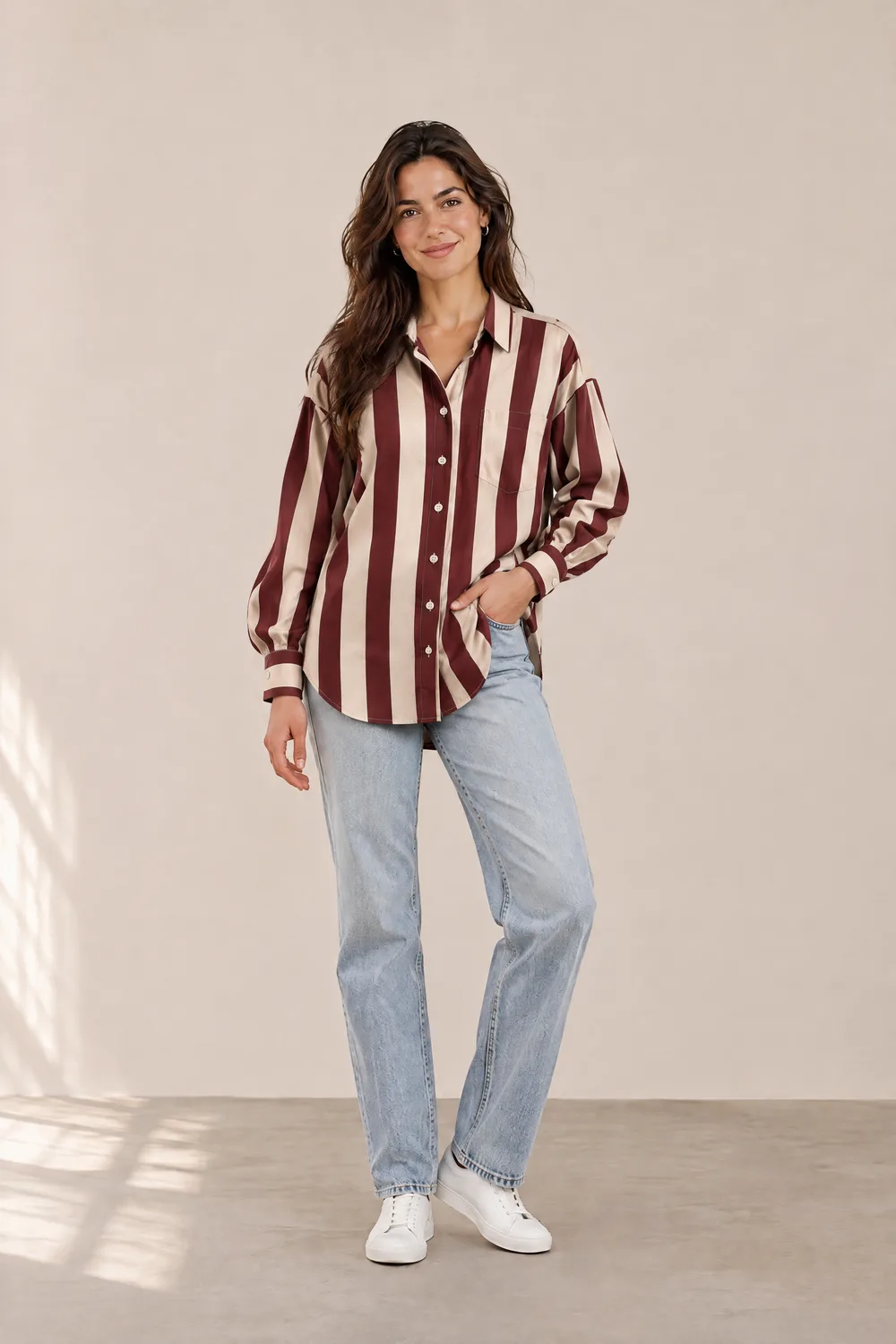
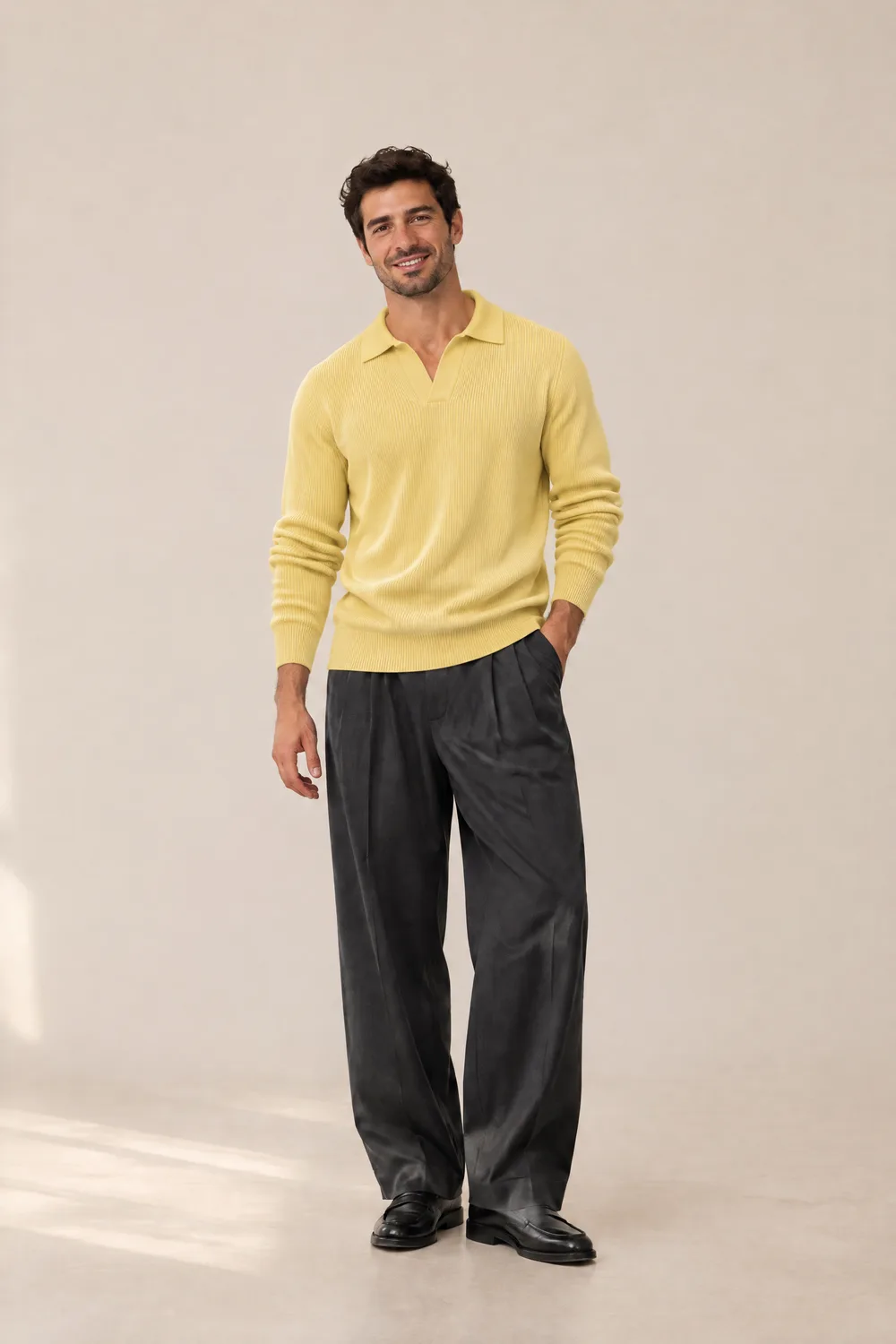
A store looks more consistent when the same model wears every piece. Use the AI clothes swap to keep one model photo and change only the garment. The face, pose and backdrop stay the same from image to image.
You can also use the AI clothes changer with a prompt. Choose “Describe it” in the tool and write the outfit in plain words. An AI clothes changer prompt works best when it names the garment, color and fit.
Prompts are for clothing only. Requests to change the background, face or body are ignored, and revealing outfits are not allowed.
You can try the AI clothes changer online free of charge with the sample models and garments: pick any pair and compare the before and after, no sign-up needed.
To use your own photos, create a free account. It comes with 16 credits, enough for 2 images. Images made on free credits carry a watermark. See pricing for more credits.
Mostly people who sell clothes online and need more on-model images than a shoot can cover.
Add on-model photos to Shopify, Etsy and Amazon listings from the flat lays you already shot. Show the same piece on more than one model.
Turn one model photo into a week of outfit posts for TikTok Shop and Instagram, with the same face across every look.
Try several outfits or models in an ad before you pay for a shoot, and spend the production budget on the version that performs.
It also works for personal use: seeing how a jacket or dress would look on you before you buy it, as long as the photo is your own.
Flat lays, hanger shots and on-model photos are all accepted. No background removal or masking first.
The result has the same proportions as your model photo, so nothing is cropped or stretched.
We publish what the AI gets wrong, such as small text, so you know what to check before publishing.
There are three common types. Garment-based tools take a photo of a real piece of clothing and put it on a person, which is what sellers need. Prompt-based tools change the outfit from a written description. Virtual try-on tools built into store pages let shoppers preview a product on themselves. This AI clothes changer does the first two.
A photo that shows the whole garment from the front, with its real colors. Flat lays, hanger shots and on-model photos all worked in our tests, including a dim hanger photo and a wrinkled t-shirt on grass. Show the front of the garment: if you upload the back, the print may be placed on the front.
Main logos, large text, garment shape and color were kept in our tests. Small text can come out misspelled, and very dense patterns are redrawn closely rather than copied line for line. Always compare the result with your product before you publish it.
The face, hair and background stayed the same in our tests. The pose stays the same in most cases, with small changes to hands or legs when the new garment is very different from the original, such as a short skirt replaced by a long dress.
Yes. Choose “Describe it” and write the outfit in plain words, for example “black tailored blazer over a white shirt”. Requests that aren't about clothing, such as changing the background or the body, are ignored.
Your own photo, or a photo of an adult who has given you permission to use it this way. Photos of minors, photos used without consent, and revealing or sexual content are not allowed. See the acceptable use policy for the full rules.
About a minute in most cases. Each run creates one image.
待确认You can explore the sample models and garments without an account. A free account comes with 16 credits, enough for 2 images, and images made on free credits carry a watermark. See the pricing page for paid options.
待确认Each image uses credits. Current plans and credit packs are listed on the pricing page.
待确认Commercial use terms are being finalized and will be published in the terms of service before launch.
待确认Uploaded photos are used only to create your image and are deleted from our upload storage after 2 hours. Your results are visible only to your account, and you can delete them at any time.